Home
Overview
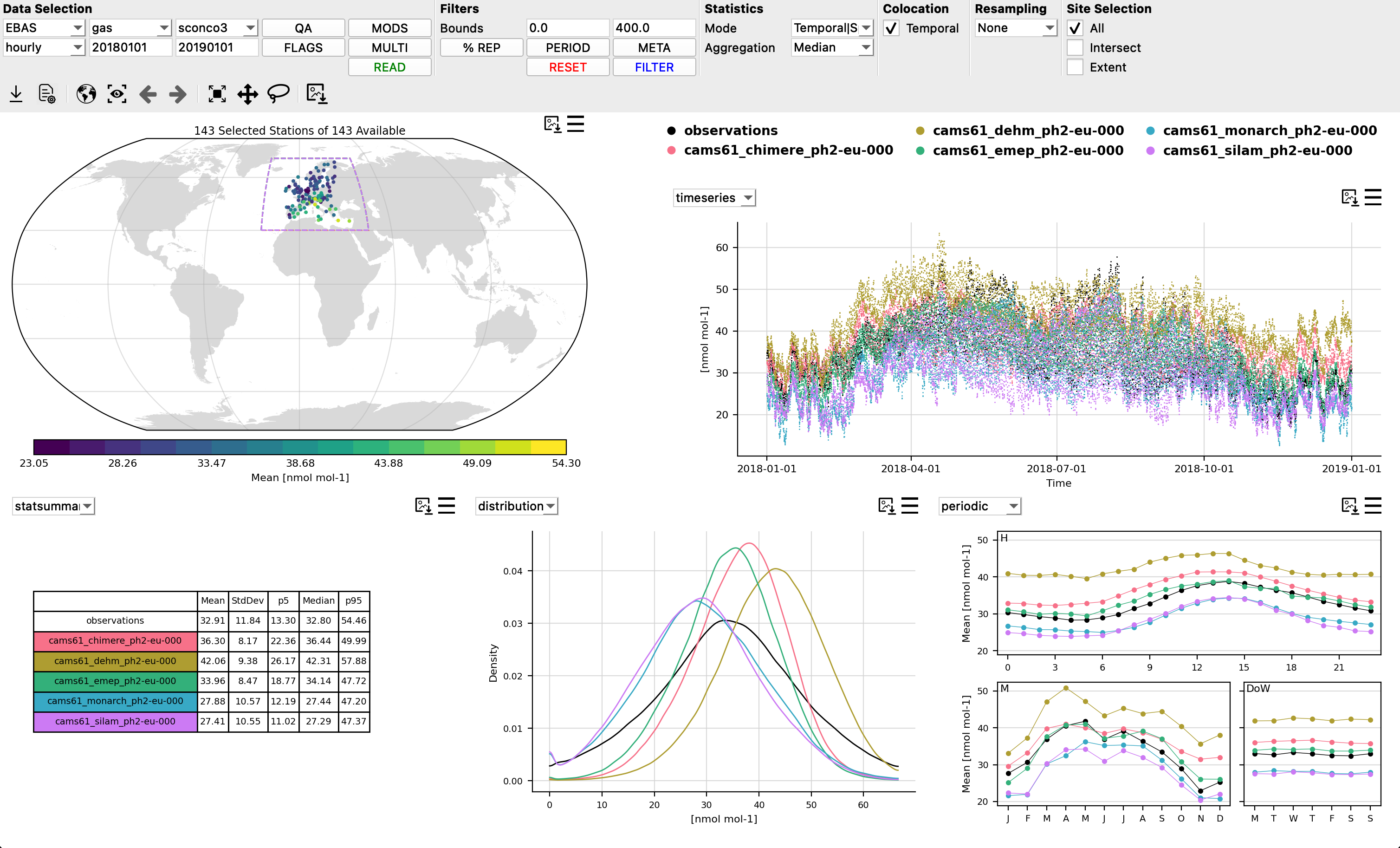
Providentia is an evaluation software package developed at the Barcelona Supercomputing Center for the in-depth analysis of in-situ surface observations and colocated model output, tailored specifically for the atmospheric science community.
Providentia has a variety of use modes:
Interpolation, to spatially colocate model output with observational stations
Dashboard, for interactive quick-look visualisations
Report, for more exhaustive evaluations, generating PDF reports
Download, to automatically retrieve and format observational and model datasets
Library, for use of Providentia’s backend functions in personal scripts or Jupyter notebooks
Getting started
If you are just starting with Providentia please see our handy starting guide: Getting started
We also have a number of tutorial notebooks that outline Providentia’s features. Please see the tutorials subdirectory to find these.
If you wish to see the previous Providentia training sessions and scientific and technical presentations, please see here: Presentations
The full contents of the Providentia ReadtheDocs documentation can be found here: Table of Contents
Bugs / New features
If you encounter a bug while using Providentia, and would like to report it to the Providentia development team please follow these steps:
Go to the Providentia GitHub repo issues page.
Click on the ‘New Issue’ button.
Select ‘Bug report’ and fill in the template for fully detailing the bug.
If you wish to request a new feature follow the same steps, except for step 3 select ‘Blank Issue’, and fully detail the new feature you would like.
Developers
Providentia is developed at the Barcelona Supercomputing Centre (BSC-CNS).
See here for more information on the developers: Meet the team